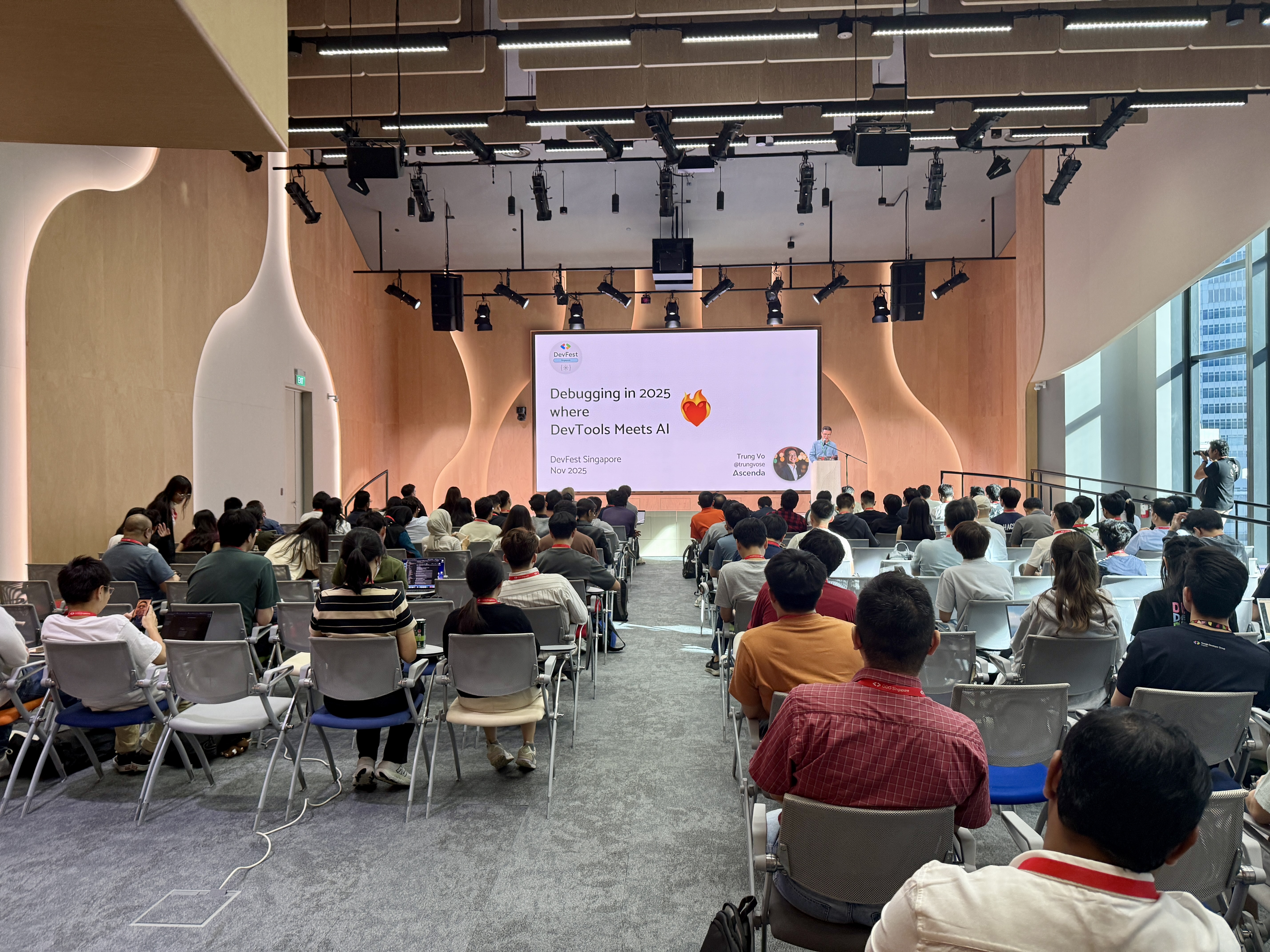
Debugging in 2025 where DevTools Meets AI
 DevFest Singapore, 22 Nov 2025
💬 Testimonials
💻 Web Dev & Debugging (My Personal Highlight)
As a web developer, Trung Vo’s talk on DevTools with AI resonated the most. It wasn’t just about AI; it was a masterclass in debugging features we often overlook. Fun fact: You can actually use DevTools to debug DevTools! 🤯 — Jun Mun Wong
“DevTools with AI” by speaker Trung Vo
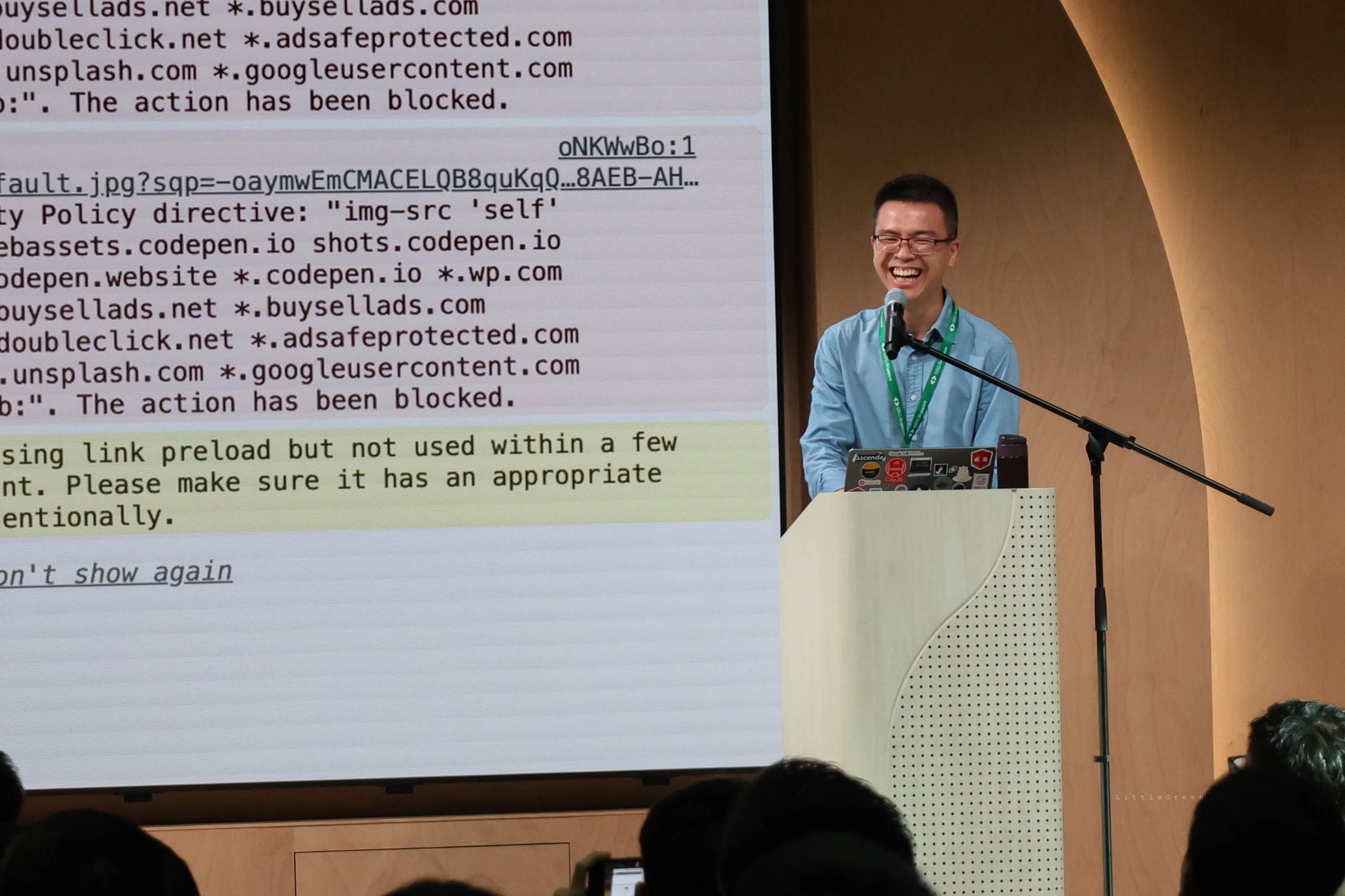
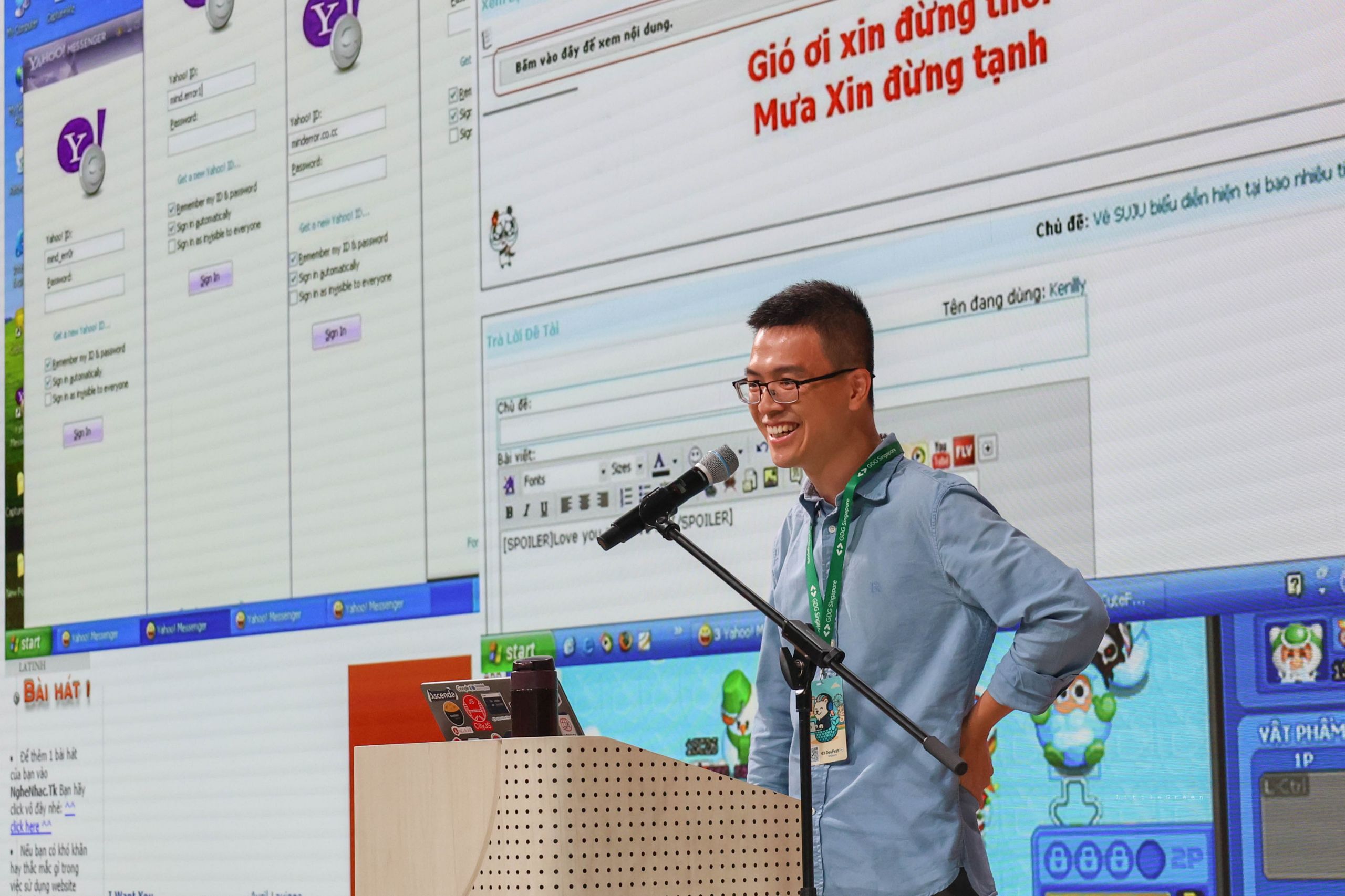
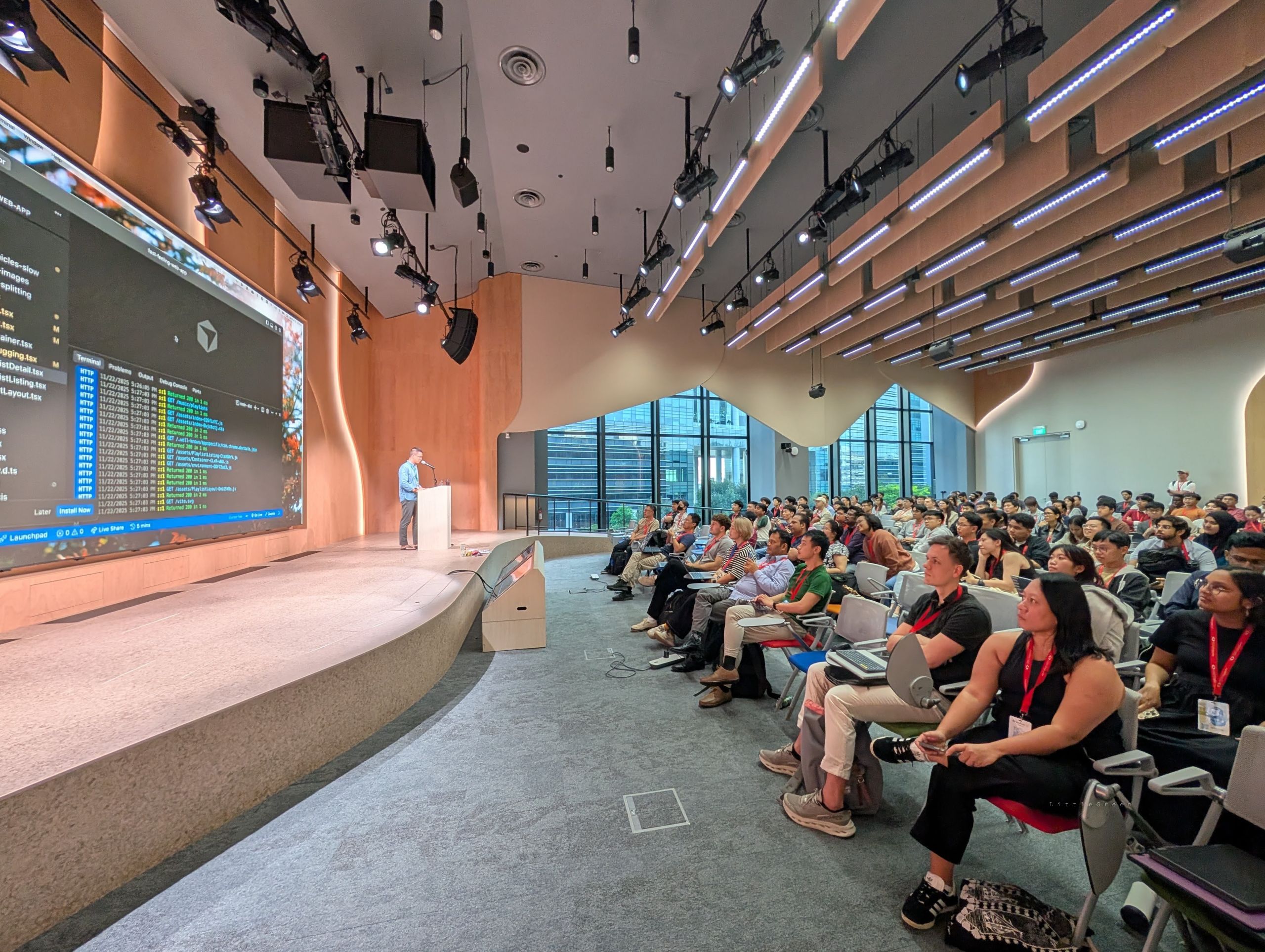
One of my favourite talks of the day. Trung made the session incredibly engaging while introducing web developer tools that I genuinely never knew existed. He broke down complicated ideas into simple, practical insights and the part he mentioned about “using dev tools to monitor other dev tools” had the whole room laughing. A brilliant mix of clarity, humour and live demonstrations ! 🤣
But the talk that resonated most was Trung Vo’s Debugging in 2025: Where DevTools Meets AI. Who knew there were so many debugging features we often overlook, from console insights to overrides, logpoints and AI assisted trace reading. Seeing DevTools evolve this way highlighted the growing emphasis on explainable debugging.
As someone exploring this space, there is a lot of opportunity here, and I am quietly building toward something related. More soon. Look out for this space! — Hun Chong Tan
I even learned new amazing tools on our everyday Chrome from Trung Vo that I didn’t know existed before like DesignMode! — Putra Syafiq
[“DevTools with AI” by Trung Vo]
- My favorite talk of the day, sharing debugging tools that I never knew about!
- “Ask AI” feature in the console to demystify errors
- Design mode to change everything on the fly! (Well maybe not everything…)
- Weird fun fact: DevTools itself is a web app that can be debugged with DevTools!
Writing code is just the beginning, and it rarely works right the first time. Whether you are fixing your own bugs or navigating someone else’s code, you need tools that help you understand what is really going on. For the web, that tool is DevTools.
AI has made generating code easier than ever, but debugging remains difficult and messy. It requires context, judgment, and a strong mental model, things that AI still struggles with. But if used well, AI can assist you: not by replacing your thinking, but by guiding it.
Modern DevTools now come with AI-powered features that explain errors, highlight bottlenecks, and guide you on where to look next across layout, network, source code, and performance. This session will show how to use them effectively, combining your instincts with AI assistance to debug faster and work smarter. In a world where code is increasingly written for you, the ability to debug is what will set you apart.